Skip to content

Features

A premium editing surface—explained plainly.

Capabilities teams lean on when deadlines are tight: predictable timeline behavior, strong annotations, and assistive tools for voice, captions, and cleanup.

Screen recording that stays crisp

Capture displays, windows, and camera—then refine pacing with ripple delete, clip speed, and habits that keep your timeline readable.

  • Cursor effects and callouts that read on small screens
  • Multitrack layout for voice, music, and system audio
  • Template thinking: titles, lower thirds, end cards
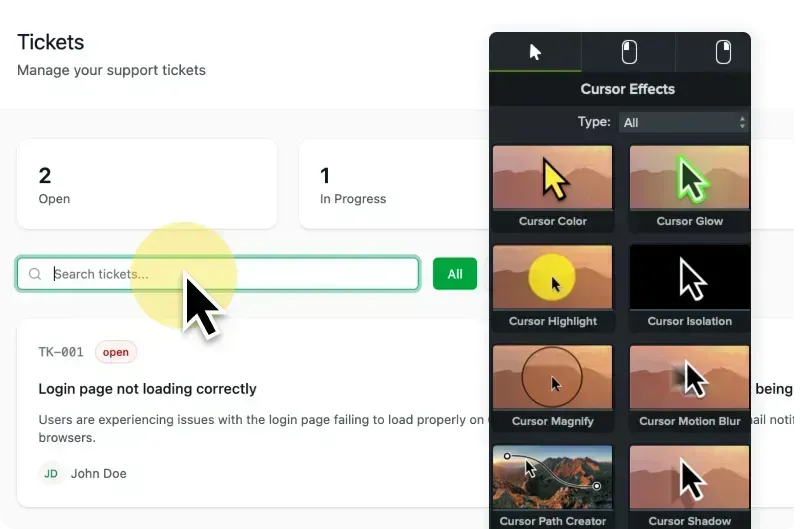
Cursor effects and annotation tools preview

Audio repair without a studio

Noise removal, EQ, and gentle compression keep dialog forward when rooms and laptop mics work against you.

Noise removal feature preview

AI-assisted voices & translation

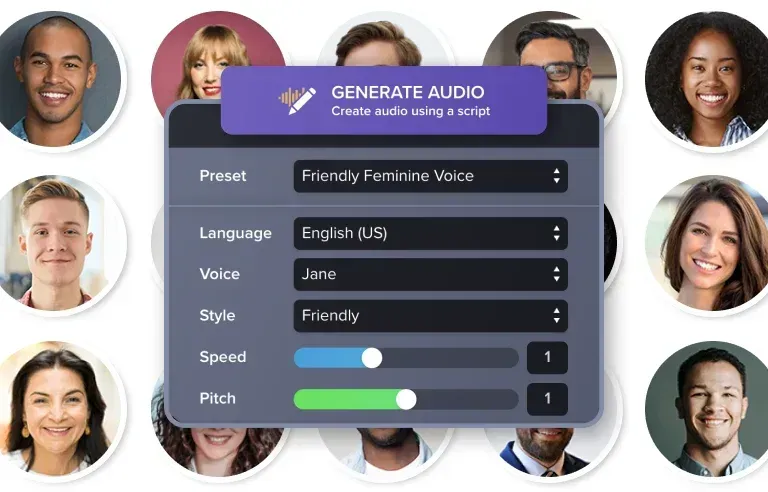
Multilingual variants and narration drafts—useful for storyboards and internal reviews.

AI voices AI translation

Text-based editing

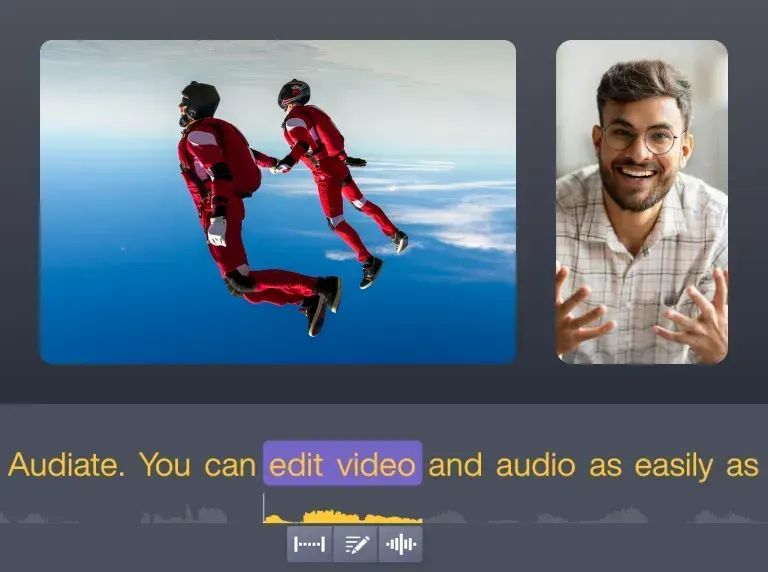
Cut filler and reorder from transcript, then snap back to the timeline for timing.

Text-based editing

Background removal & polish

Webcam segments read cleaner with separation—pair with balanced lighting for edges.

Background removal

Reality check

Features are fast when the foundation is boring.

AI voices, transcript edits, and background removal save hours—but they amplify a messy timeline as easily as they rescue one. The pages above are grouped so you can fix capture and audio first, then reach for assistive tools when the story is already stable.

Before you lean on AI narration…

Lock script length, pauses, and on-screen beats. Draft audio is for structure reviews—not a substitute for level-matched final dialog if stakeholders expect a human voice.

Before you polish webcam separation…

Soft light on the face beats aggressive edge cleanup. Separation works best when exposure is even and clothing contrast is sane.

When exports get fragile…

Large timelines usually need divide-and-conquer exports or a pre-render pass—not a single monolithic encode. See the blog guide linked from Resources.

Large project exports →

Delivery

Captions are part of the edit—not a bolt-on.

Readable captions beat clever motion when the viewer is on a train with the sound off. Build caption passes into your rough cut: line breaks at breaths, contrast that survives sunlight, and font sizes that still read at 360p embeds.

The home FAQ covers beginner pacing and file-size tradeoffs; open the FAQ →

Checklist

  • Two lines max on laptop width; avoid covering critical UI in screen recordings.
  • Export a preview at the bitrate your LMS actually uses—not only full-quality local review.
  • If you localize, freeze on-screen text layers before re-exporting variants.

Workflow patterns for handoffs and QA live on Resources → Workflows.

Need workflow patterns and troubleshooting?

Open resources hub →
Download